
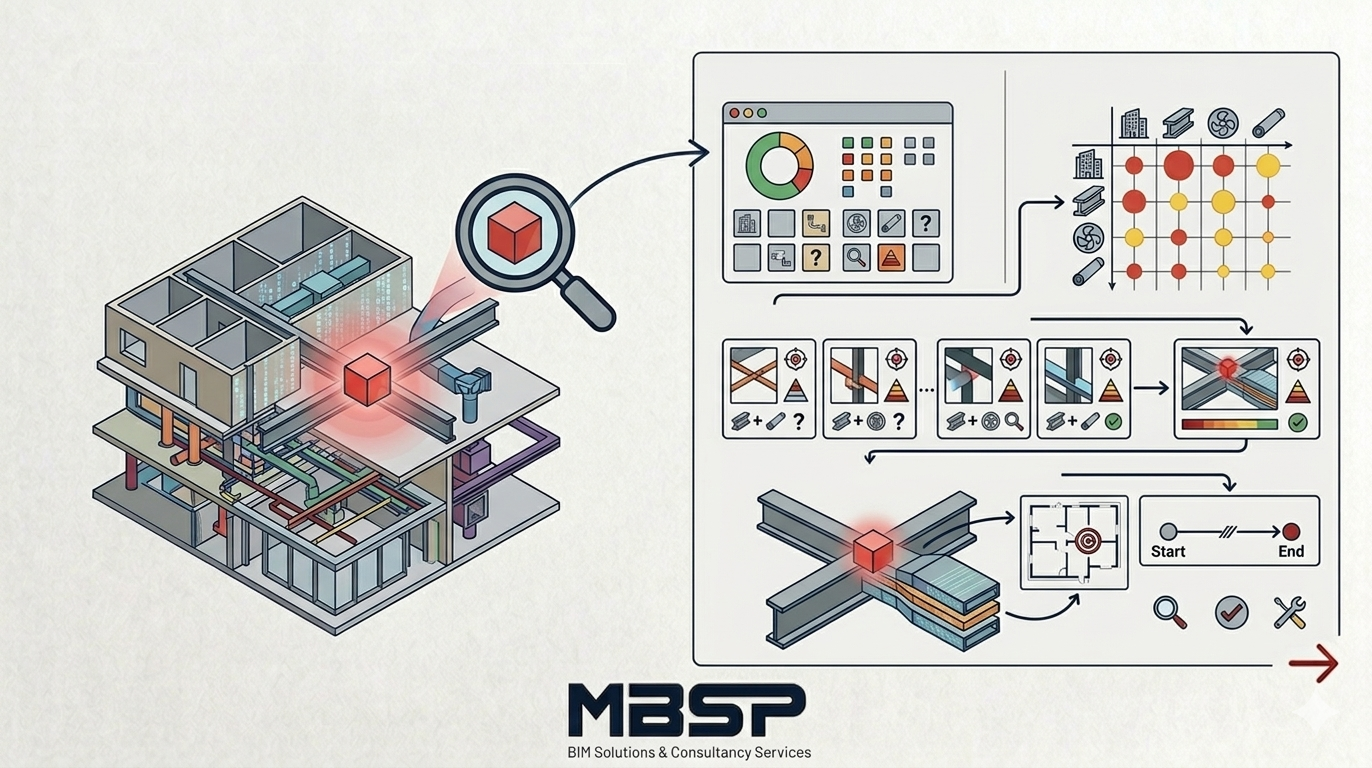
Clash Detection, one of the most critical stages of BIM processes, allows us to detect errors that may occur on the construction site in a digital environment (Navisworks, Solibri, etc.). However, correctly reading and managing a report with hundreds or even thousands of clashes is a job for experts.
Here are 5 steps to follow when analyzing a Clash Analysis Report:
1. Interdisciplinary Prioritization
When you open the report, the first thing you should look at is which disciplines clash with each other.
Architectural vs. Structural: These are usually the most critical clashes.
Mechanical vs. Structural: Check if there is any interference with the load-bearing system.
Mechanical vs. Electrical: Clashes of cable trays and pipelines.
2. Distinguishing Between Hard and Soft ClashesNot all clashes are the same:
Hard Clash: Two objects physically intertwining (e.g., a ventilation duct passing through a beam).
Soft Clash / Clearance: Violation of the required assembly or maintenance clearance between objects.
3. Tolerance Levels
The “Tolerance” value in the report determines what size clashes the system will ignore. Generally, clashes below 10mm or 15mm can be considered “insignificant” (depending on the project detail).
4. Clash StatusReports are not static, they are dynamic. Each clash must have a status:
New: Clash just detected.
Active: Ongoing issue awaiting resolution.
Reviewed: Reviewed but no action has yet been assigned.
Resolved: Corrected in the model and the clash resolved.
5. Coordinates and Visual Evidence
A proper report should include the exact coordinates of the clash in the project and a 3D screenshot (with ID number). This allows the designer to quickly find the problem in their own software (Revit, etc.).
MBSP BIM Solutions: Zero Defect Policy
It’s not enough to just report conflict analyses; you need to manage the process. At MBSP BIM Solutions & Consultancy Services, we optimize your conflict management processes and help you build a flawless bridge between design and implementation.